
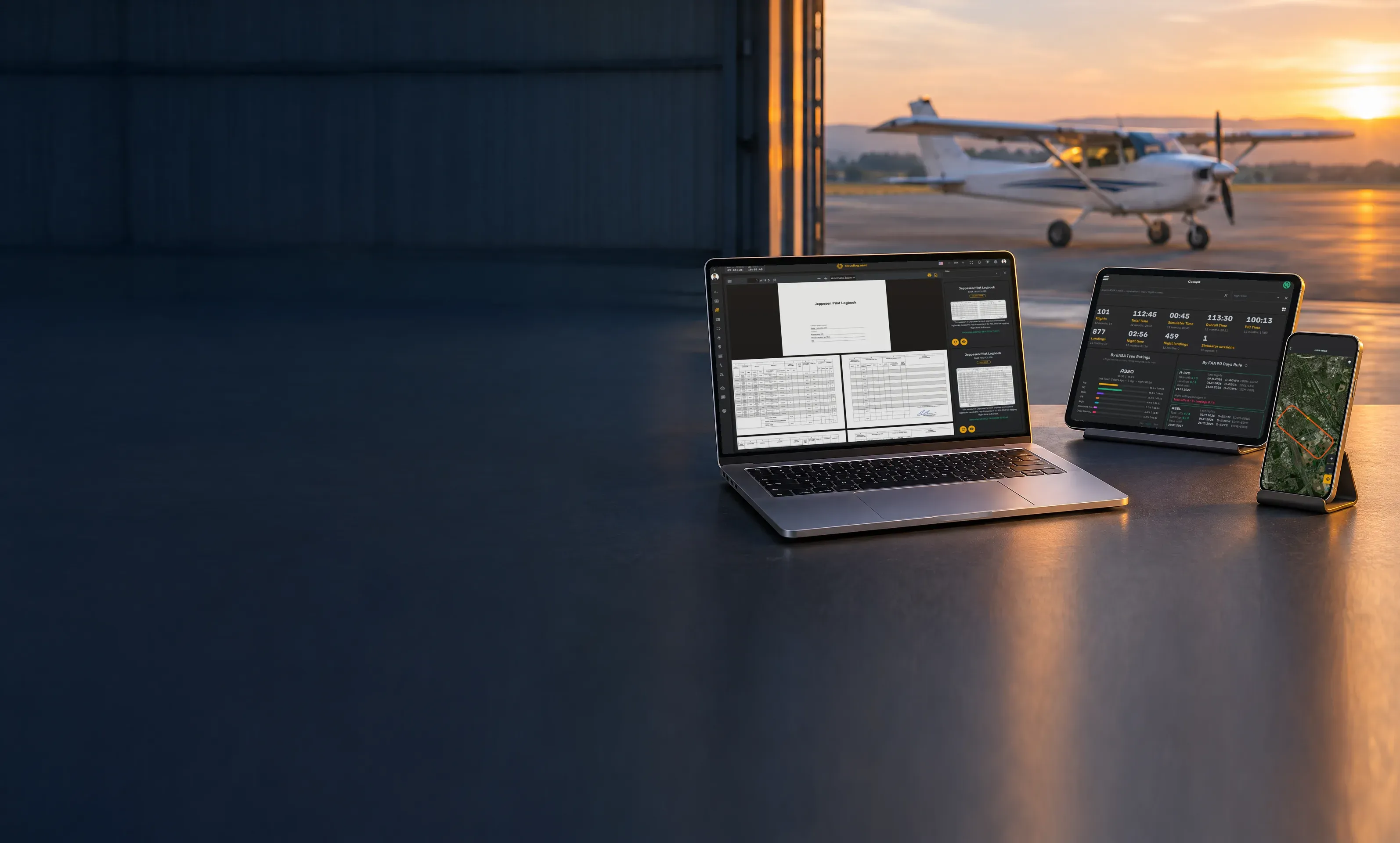
iPhone, iPad, Android and web
Your logbook. On every device. Always up to date.
What you log on your phone in the cockpit shows up on your iPad and in the web app seconds later. And without a signal, the app simply keeps working.

- 30 days free
- Cancel monthly
- App in every membership
What's new in the app
Three features that make everyday flying noticeably easier.
New cockpit
NewDo you know whether you may carry passengers tomorrow?
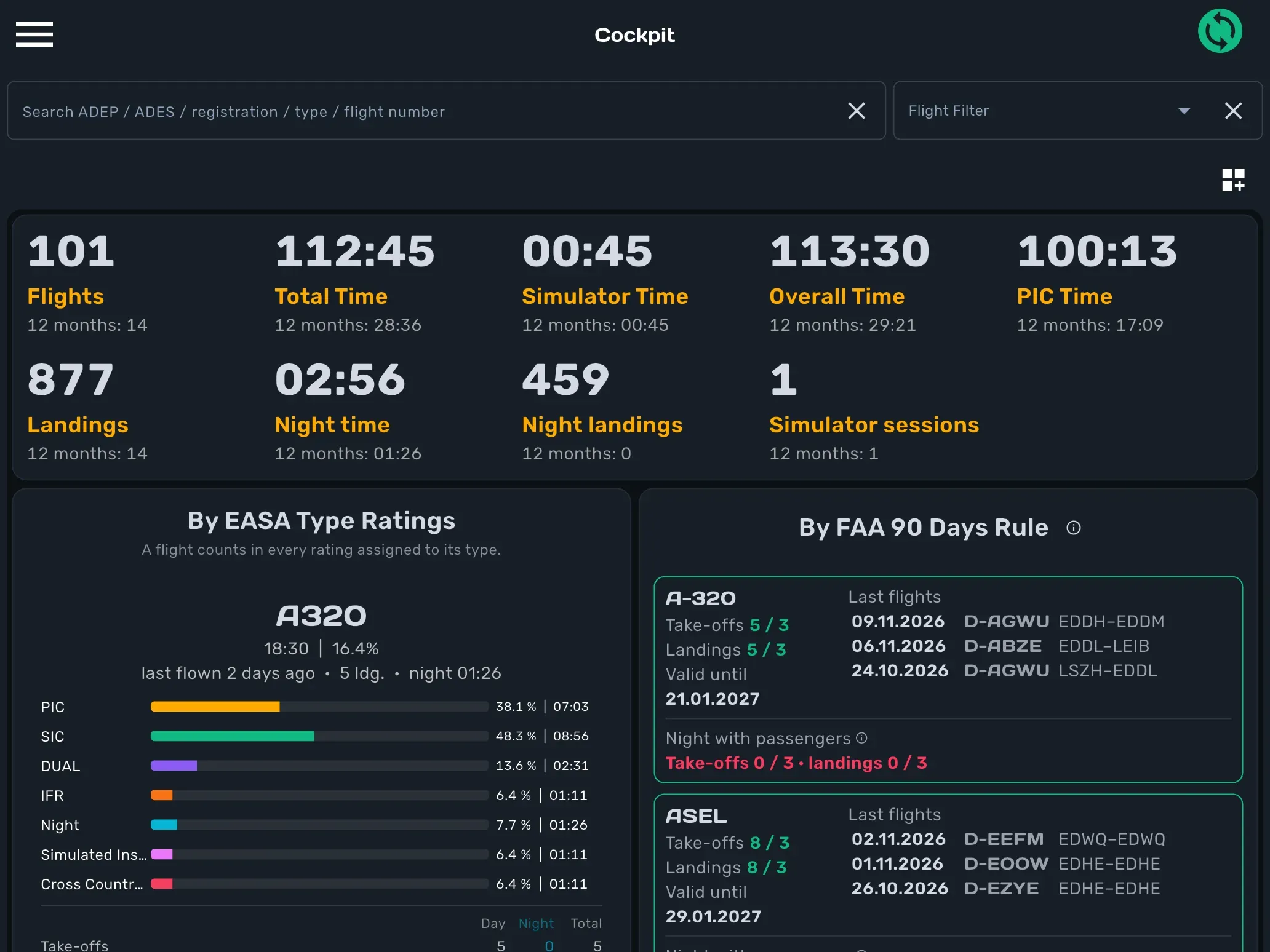
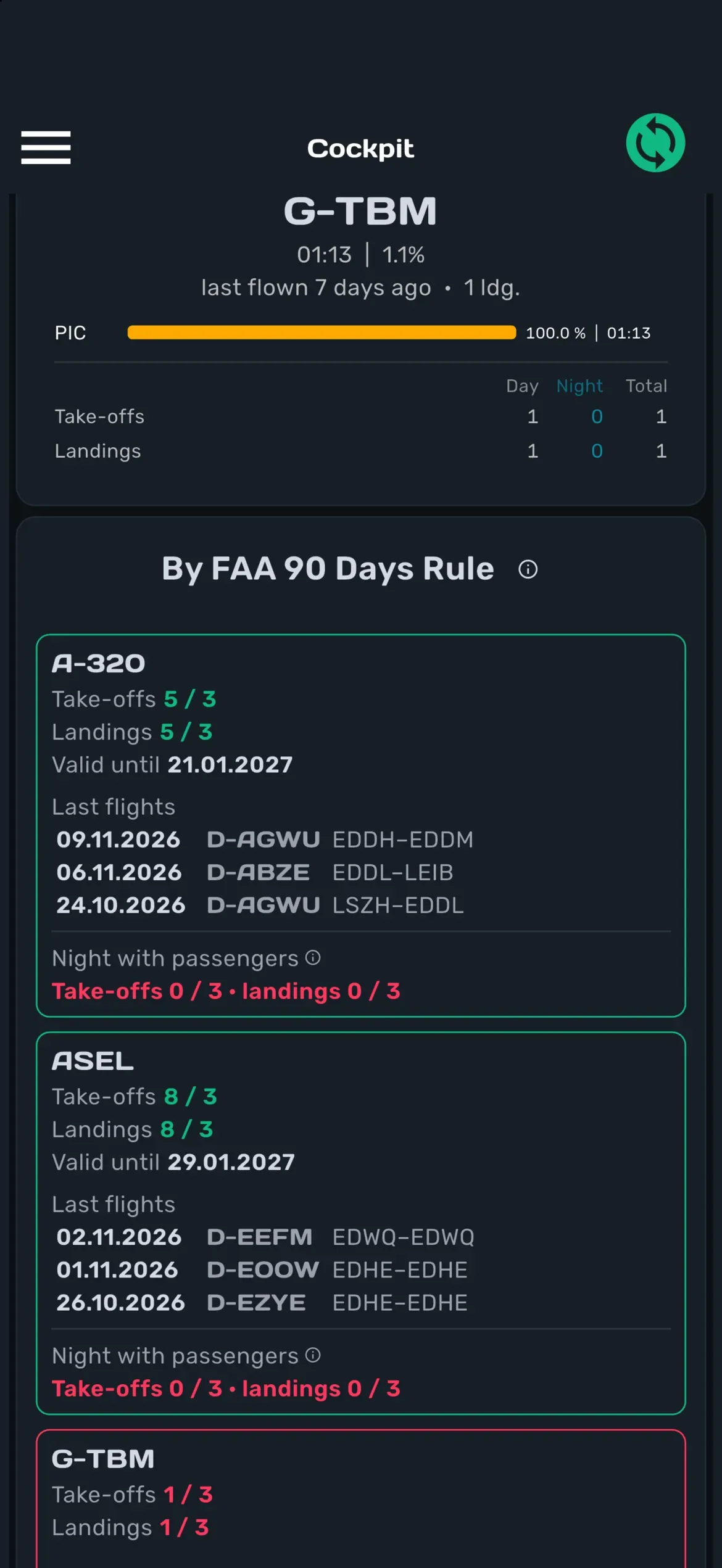
The cockpit shows you at a glance: the 90-day rule split by EASA and FAA, your key figures and where your flight time goes.
- 90-day rule for EASA (FCL.060) and FAA (§61.57), including night takeoffs and landings
- Total, flight and simulator time, plus the values for the last 12 months
- Time distribution by PIC, solo, instructor, IFR, night and cross-country, selectable in the legend
- Takeoffs and landings per type as a Day | Night | Total table
- On iPad you arrange your cockpit the way you like
Flight Tracker
BetaYou fly. Your logbook writes along.
Tap start before engine start, put the phone away, fly. The app records your position in the background while the live map follows the aircraft. After the flight a draft is waiting.
- Records in the background, even with the screen locked
- Live map with your track, whether a traffic circuit or a cross-country flight
- Draft with date, departure and arrival airfield, block times and landings
- You review, adjust and save: nothing lands in your logbook unseen
Included in the Pro plan.
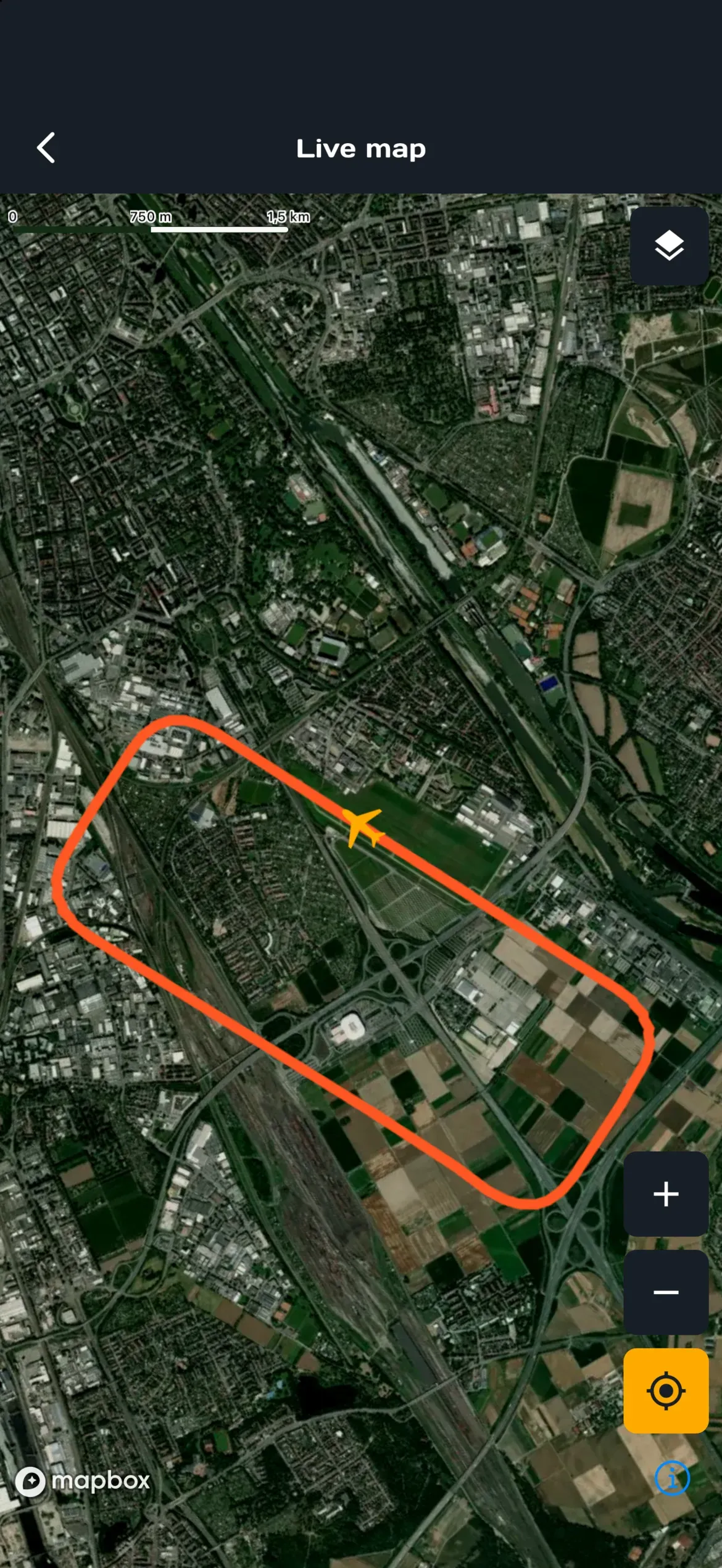
Live map 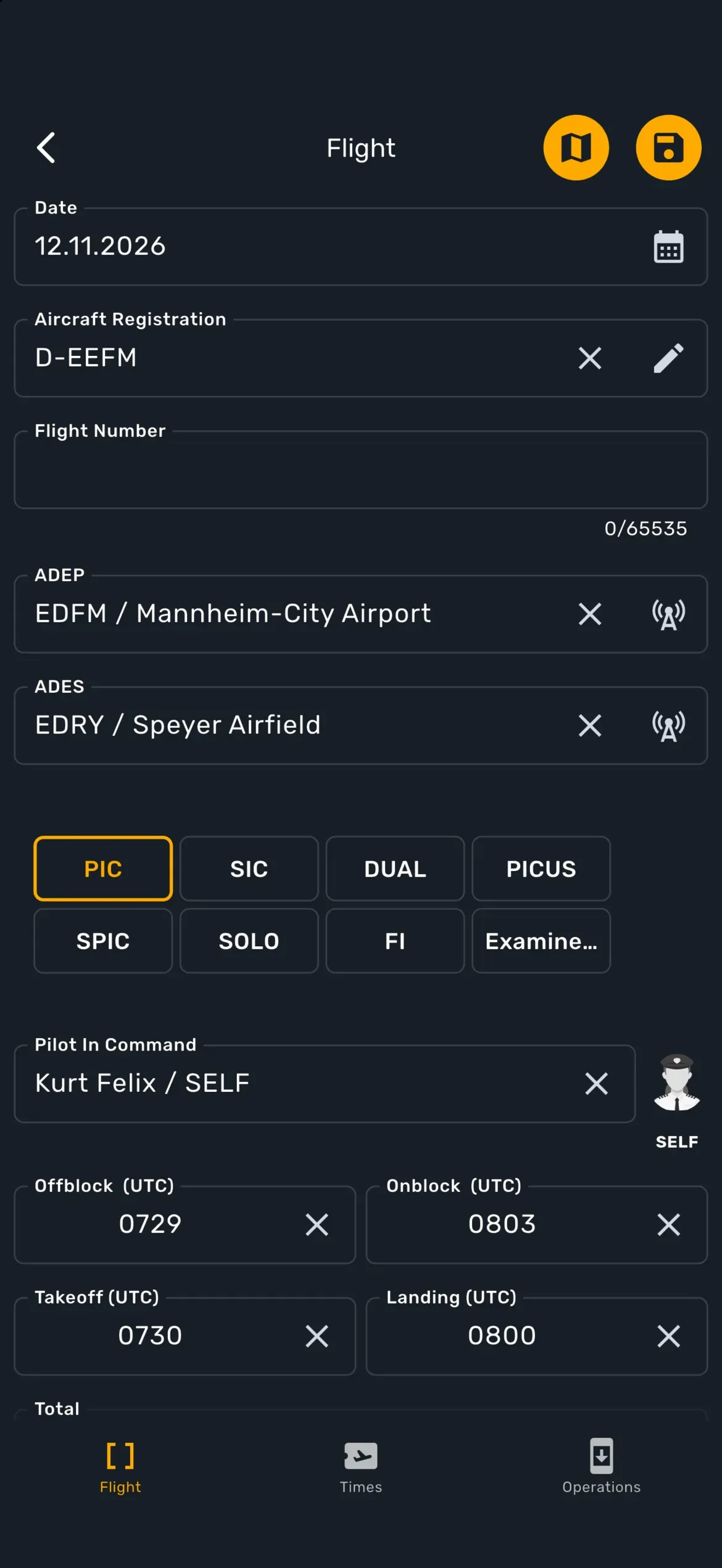
Flight draft
UTC or local time
NewEnter the time your watch shows.
Whether you think in UTC or in local time: choose once how you enter times. They are always stored to the second in UTC, so the app, the web app and your printout show the same thing.
- Switch in the settings or right at first launch
- Every time field shows whether it expects UTC or local time
- No conversion mistakes across time zones and daylight saving time
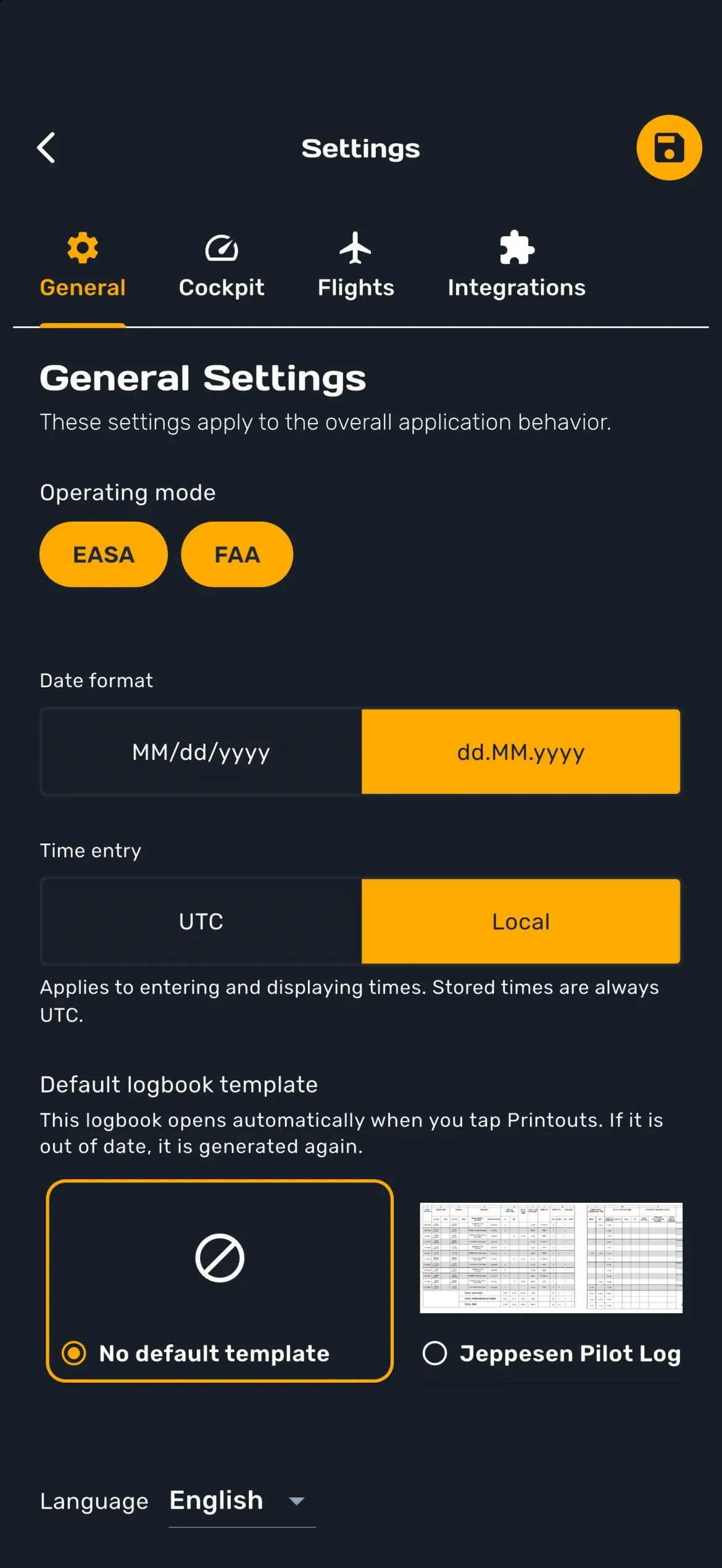
Time entry 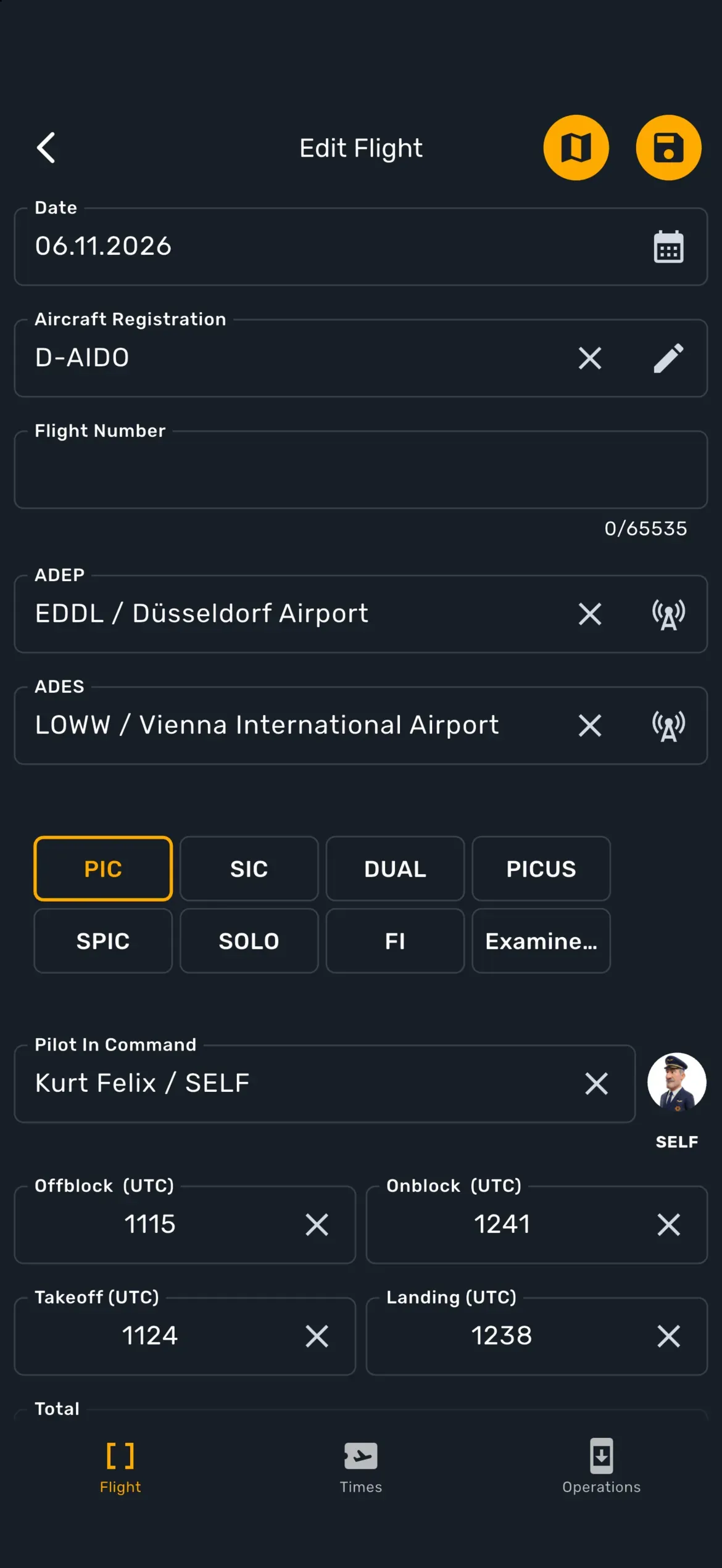
Flight editor
Try it on your next flight
30 days free, no payment details. Cancel monthly afterwards.
And more that is new
Airspaces in 3D
Airspaces, airfields, navigation and borders from Open Flightmaps, toggle each one. Airspaces also in three dimensions on real terrain.
Airfield info with one tap
Frequencies, runways with TORA and LDA, lighting, fuel and the approach chart right on the map.
Relive your flight
Your track on the 3D globe and in the cockpit view with an artificial horizon, plus altitude and speed profile.
Flight Network with preview
Import flights with their track from various ADS-B and multilateration sources and preview the track on the map first. Requires a Mode S transponder and coverage along your route.
Log like in the web app
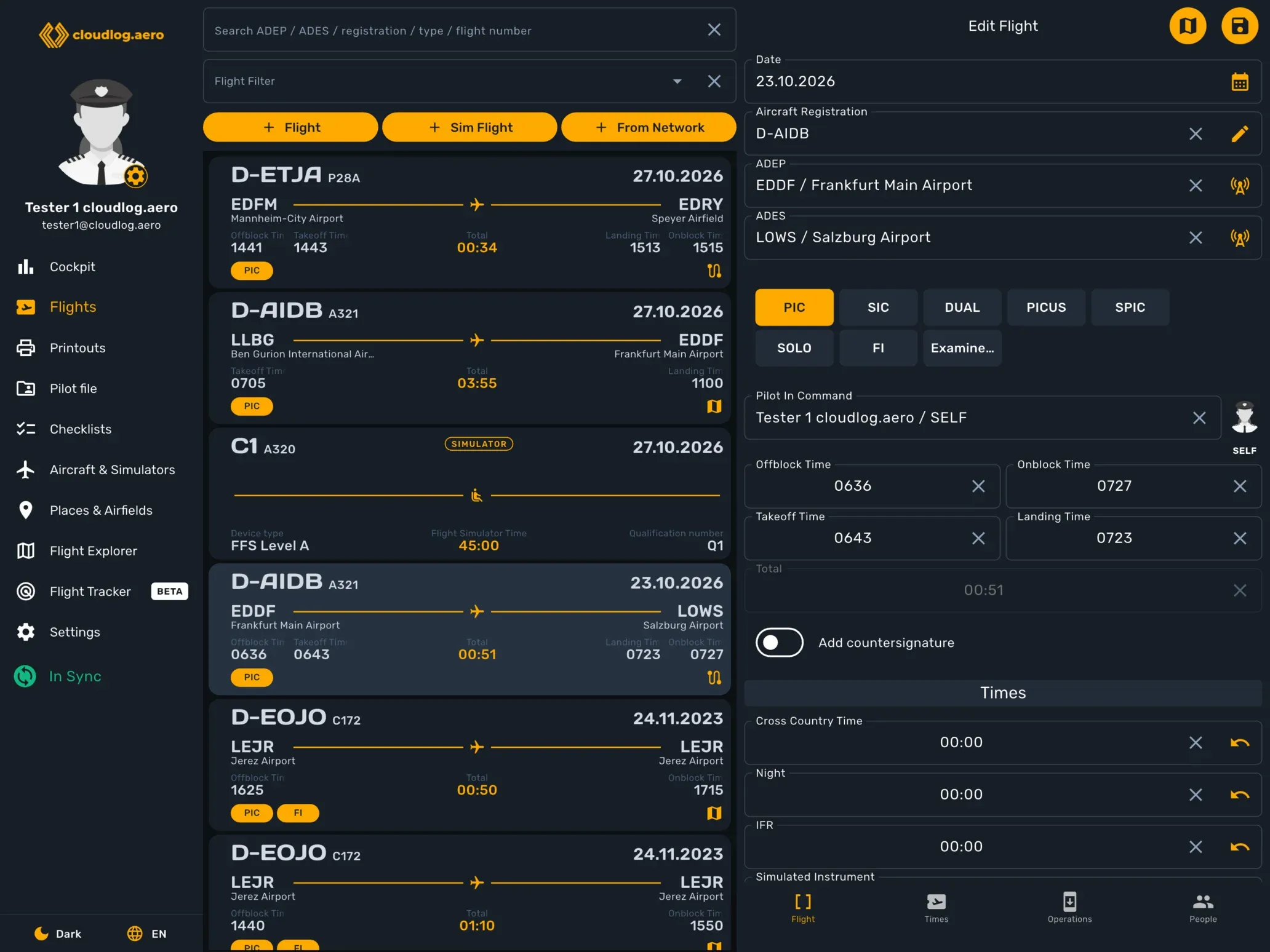
Same calendar, same registration search, new flights start with one takeoff and one landing by day.
Without a signal too
The app keeps a complete local copy of your data. Log, tick off, collect signatures, and everything syncs later.
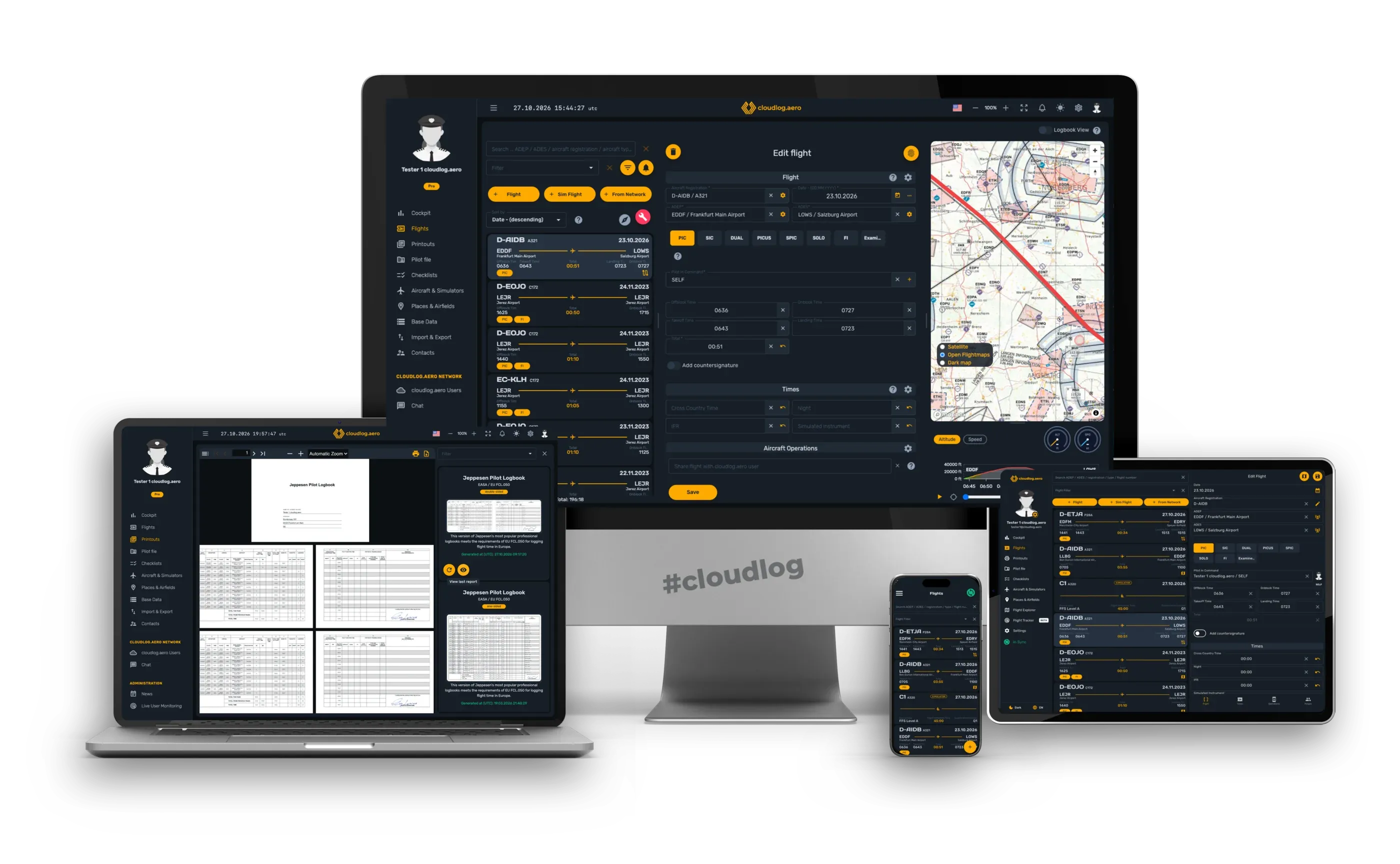
One app for iPhone, iPad and Android
The same data on every device. Shown here: iPhone in portrait and iPad in landscape with a sidebar.
iPhone
Cockpit Flight Tracker 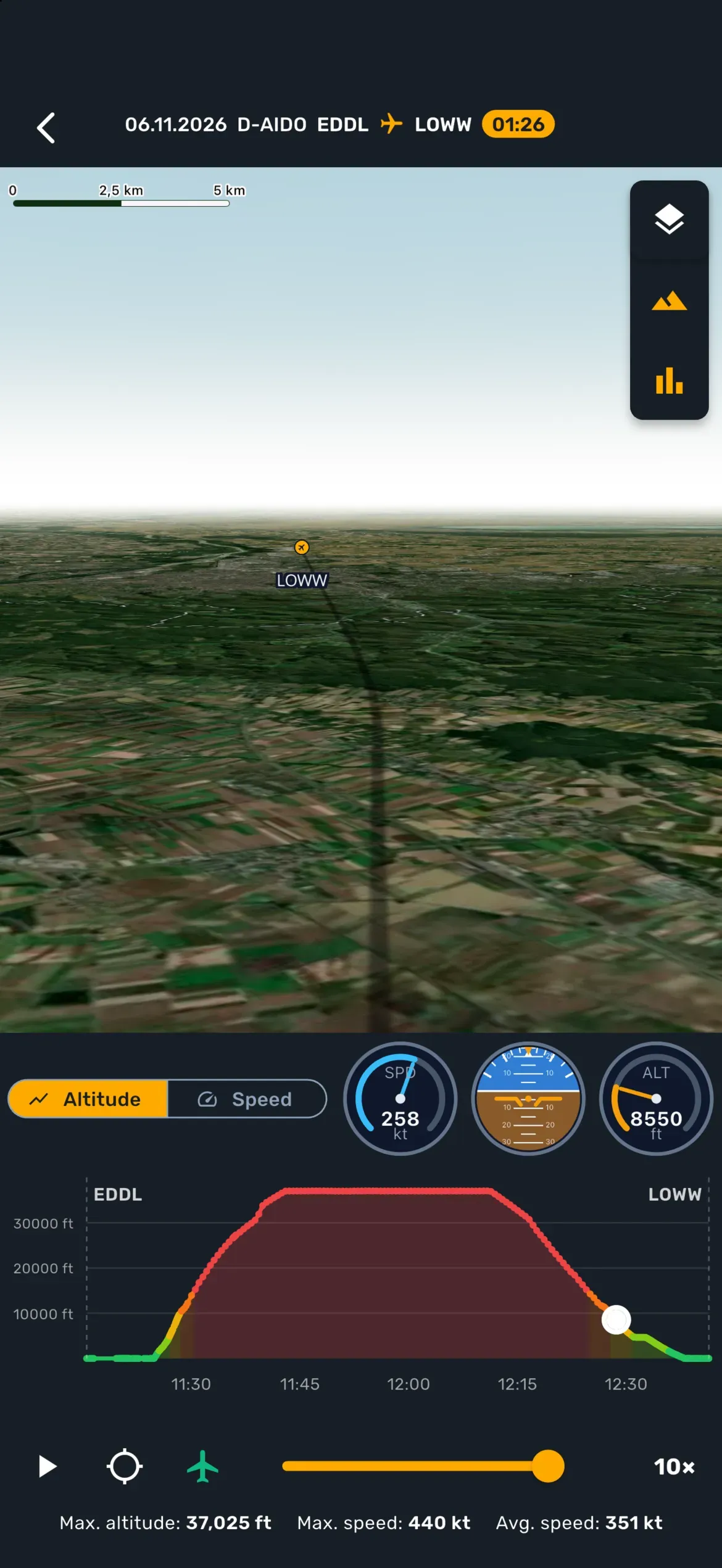
Flight in 3D 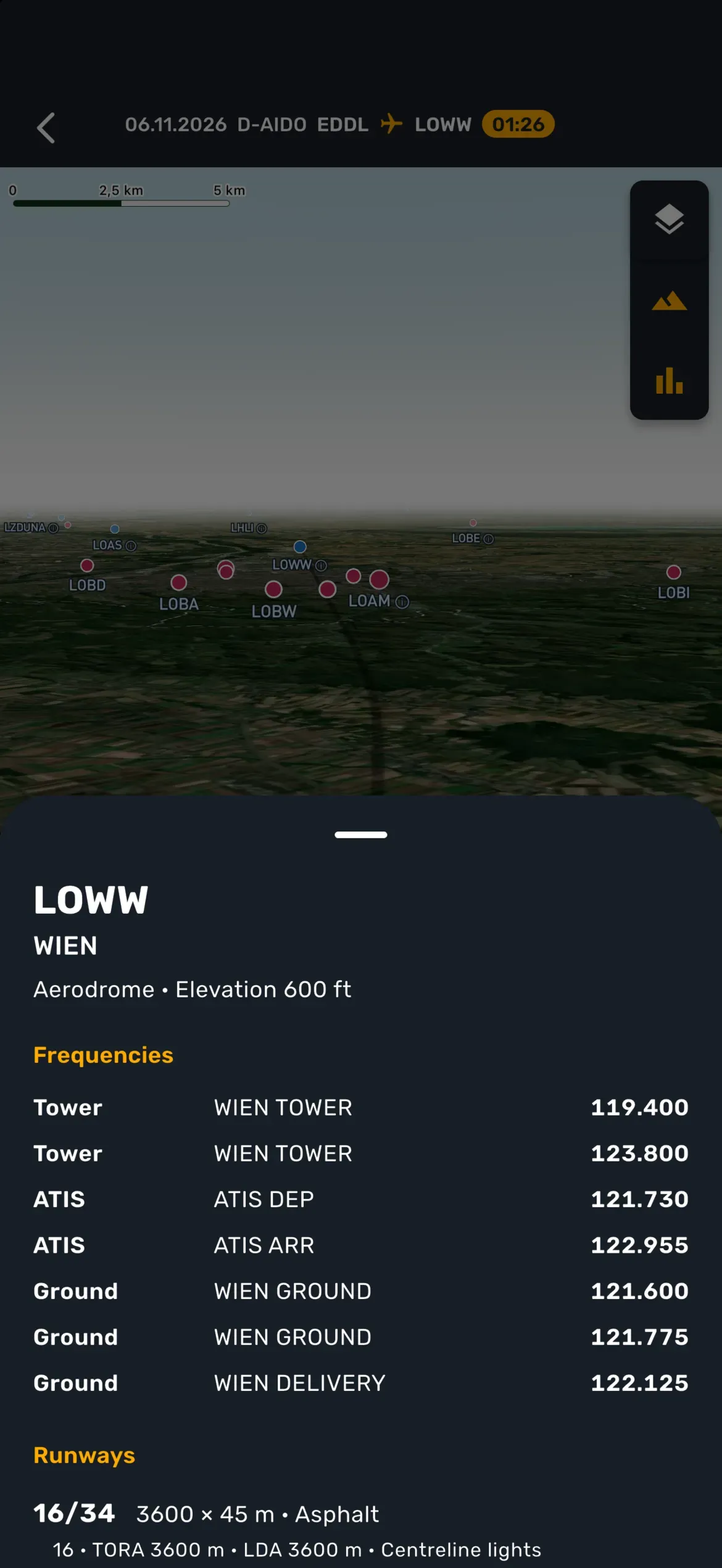
Airfield info
iPad
Your logbook, print-ready
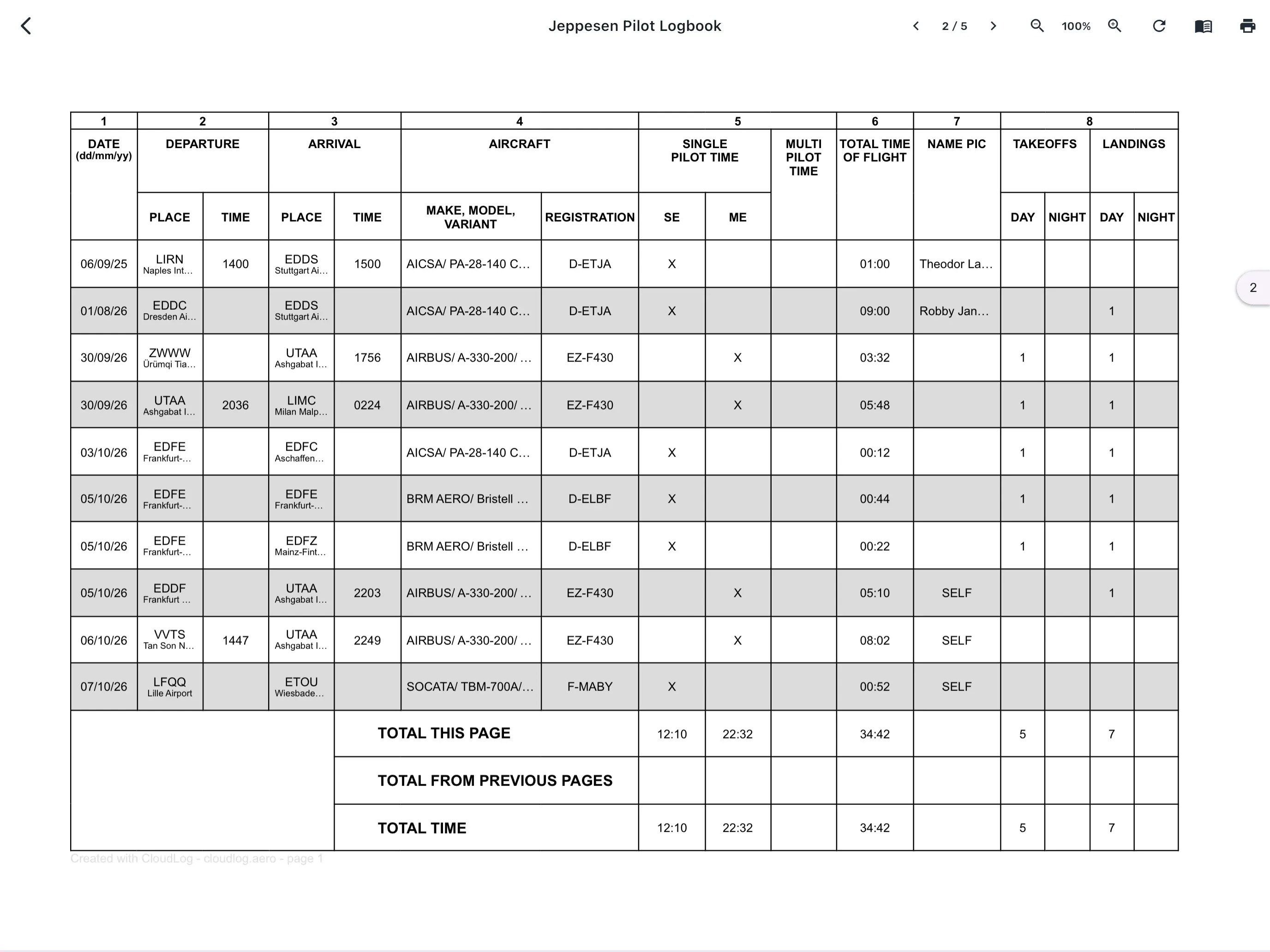
Open the Jeppesen layout for EASA and FAA right in the app, check it, then print or share it.
Flight list Cockpit 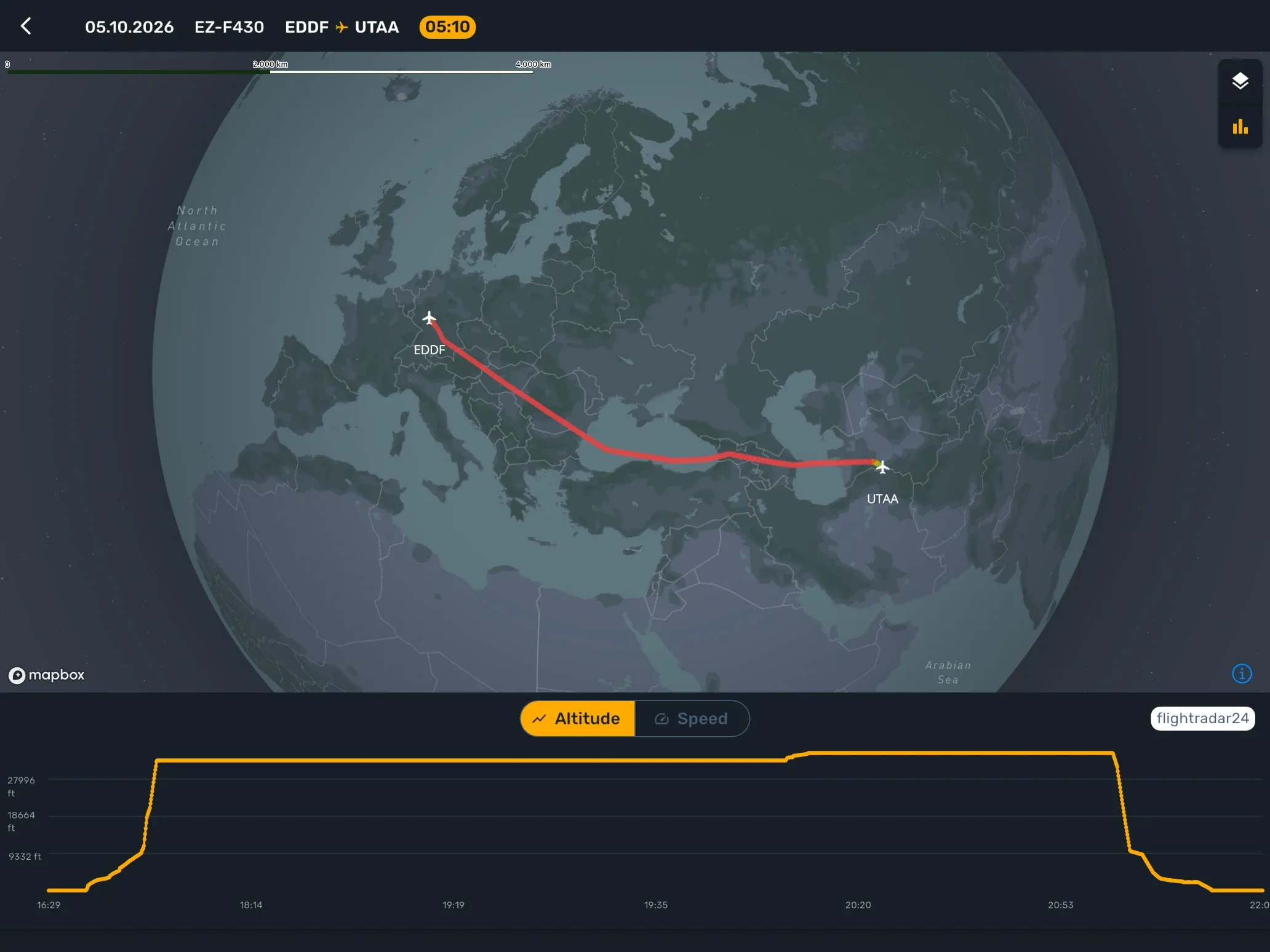
Flight track 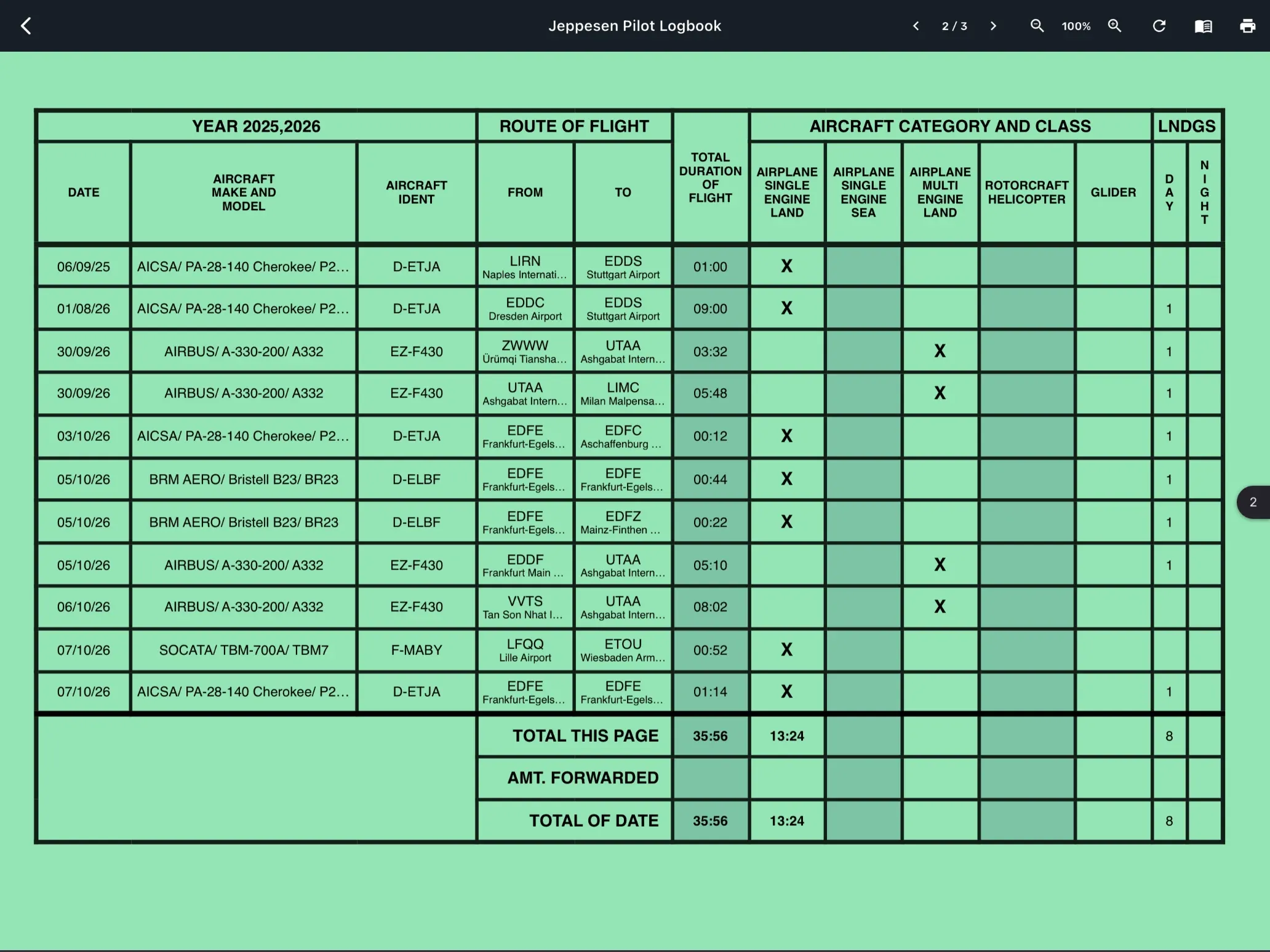
Printouts
All your data, everywhere
The app and the web app work with the same data. The app runs against an embedded local database and syncs in chunks across every area: aircraft, airfields, flights, simulators, settings, checklists. Changes made elsewhere appear in real time.
Frequently asked questions
Does the app work without a connection?
Yes. The iOS and Android app keeps a complete local copy of your data. You can log flights offline; everything syncs automatically once you are back online. The app is included in every membership at no extra cost.
How long am I tied in?
You are not. Every membership can be cancelled monthly. The first 30 days are free and fully featured, with no payment details required.
Where is my data stored?
In German data centres subject to the GDPR. Data is backed up and access is monitored. Your flights are yours — you can export them at any time or delete your account yourself.
Your next flight writes itself into the book.
30 days free, every feature, no payment details.